by kristen | Dec 7, 2018 | Tutorials, Videos
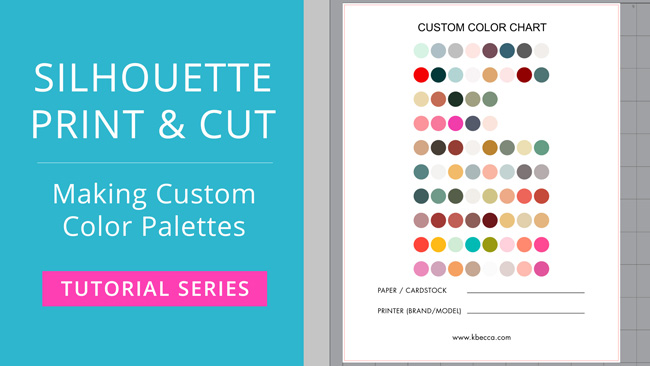
If you’re ready to go beyond using the default color options and color picker tool to choose custom colors for your print & cut projects in Silhouette Studio, then this video in my Silhouette Print & Cut tutorial series is the one for you! I’ll...
by kristen | Nov 28, 2018 | Tutorials, Videos
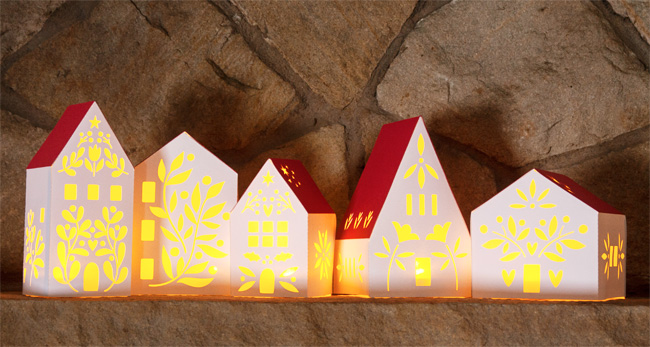
These folk art-inspired village houses have been bumping around in my head for quite a while, and I’m so happy with how they turned out! In the video below, I’ll show you a step-by-step assembly tutorial for House 1, but all of the houses in the collection...
by kristen | Nov 16, 2018 | Tutorials, Videos
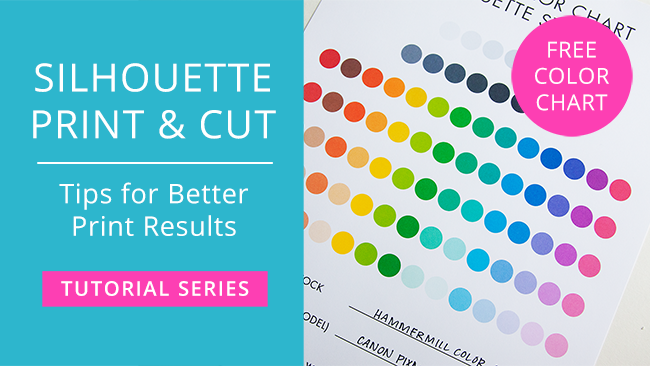
In this video in my Silhouette Print & Cut tutorial series, I’ll share some tips for getting better print results when printing from Silhouette Studio. First up, I talk a little bit about the two major color modes that you’ll encounter when working...
by kristen | Nov 9, 2018 | Tutorials, Videos
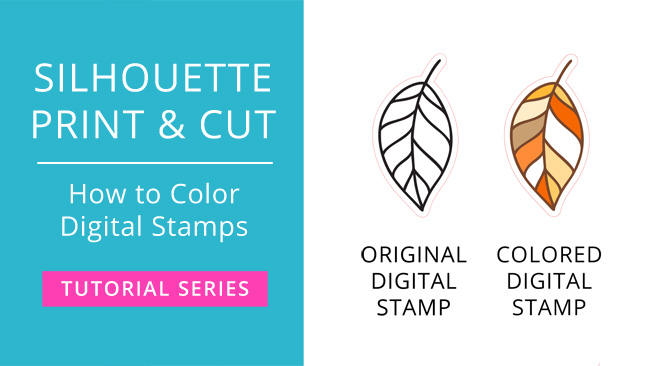
When you’re working with digital stamps (aka black and white line art images), you’ll often print and cut the stamps for coloring with a physical coloring medium like colored pencils or markers. But what if you want to color your digital stamps right in...
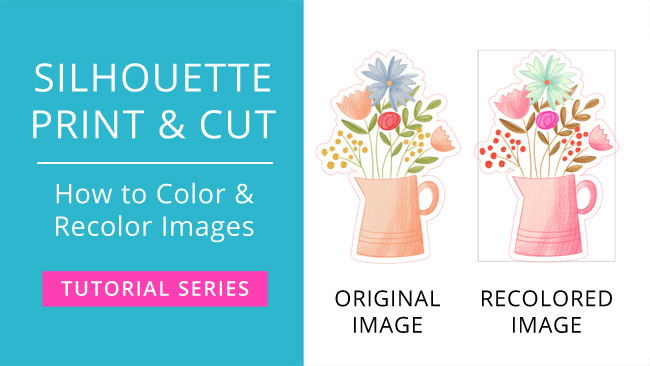
by kristen | Nov 2, 2018 | Tutorials, Videos
When you’re working with images for print & cut, you’ll often want to either add color (if it’s an SVG or another vector file) or recolor the image (if it’s a raster file, like a PNG or JPG), and in the video below I’ll show you how...

